You climb into your shiny new vehicle expecting intuitive technology that enhances every drive. Instead, you battle laggy touchscreens, confusing menus, and distracting interfaces that pull your eyes from the road. Many drivers today feel frustrated with their cars’ screens, which promise convenience but deliver headaches. This growing dissatisfaction affects safety, enjoyment, and even resale value. Let’s explore why modern vehicle infotainment systems often miss the mark and what you can do about it.
The Rise of Problematic Car Screens
Automakers rushed touchscreen interfaces into vehicles to chase modern appeal and reduce physical buttons. What started as a premium feature quickly became standard across price ranges. Unfortunately, many implementations prioritized flashy visuals over actual usability, leading to widespread complaints about complexity and unreliability.
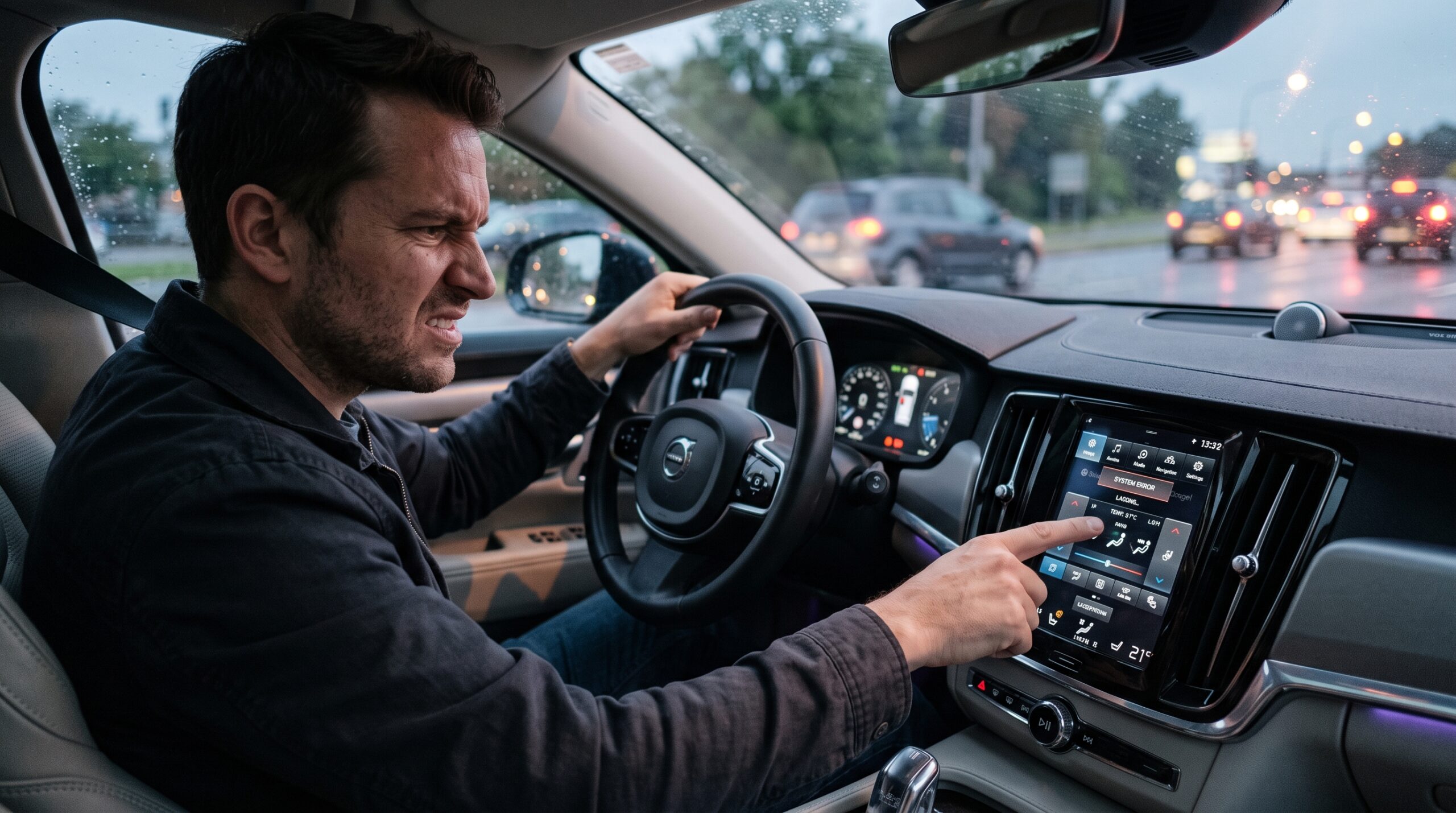
A neighbor recently traded his older truck for a new model and immediately regretted the shift. Simple tasks like adjusting climate controls now require multiple taps through nested menus, creating dangerous distractions during drives.
Surveys and owner forums reveal recurring issues with slow response times, poor voice recognition, and software glitches that require dealer visits for fixes.
Safety Concerns and Real-World Impact
Distracted driving caused by complicated screens contributes to accidents as drivers hunt for basic functions. Cognitive load increases significantly when interfaces demand too much attention away from the road. Safety advocates increasingly criticize designs that prioritize aesthetics over intuitive operation.
One study highlighted how poorly designed systems can take drivers’ eyes off the road for dangerously long periods. A friend who tests vehicles professionally notes that some luxury models ironically feel more distracting than basic ones due to overloaded features.
Physical buttons for critical controls like volume or temperature remain preferable for quick adjustments without visual focus.
Common Complaints from Frustrated Owners
Lag and freezing plague many systems, especially during smartphone integration attempts. Overly complex menus bury simple functions several taps deep. Voice commands frequently misunderstand requests or respond slowly.
Software updates sometimes introduce new bugs rather than improvements. Touch sensitivity varies wildly by temperature or screen cleanliness. Owners report higher stress levels and reduced driving enjoyment compared to older vehicles with traditional controls.
Resale value suffers when prospective buyers test drive and encounter frustrating interfaces firsthand.
What Manufacturers and Consumers Can Do Better

Automakers should prioritize user testing with real drivers rather than just engineers or focus groups. Physical controls for essential functions combined with quality touchscreens offer the best balance. Over-the-air updates need rigorous testing before deployment.
As consumers, research infotainment systems thoroughly before purchasing. Test drive extensively while performing common tasks. Consider aftermarket solutions or vehicles known for superior interfaces. Advocate for simpler designs through reviews and feedback to manufacturers.
Some brands already respond positively to criticism by refining future models based on owner input.
Take action before your next purchase. Spend extra time evaluating the infotainment system during test drives. Prioritize vehicles with physical buttons for key functions and responsive software. Share your experiences through reviews to push manufacturers toward better designs. Your safety and satisfaction behind the wheel deserve technology that actually helps rather than hinders.
FAQ
Why do car manufacturers push big touchscreens?
They believe consumers associate large screens with premium features and modernity, even when usability suffers.
Are there cars with good screen systems?
Yes—some brands focus on intuitive interfaces with physical controls for essentials, earning praise from owners.
Can I fix a bad factory screen system?
Aftermarket head units or interface upgrades sometimes help, though warranty implications vary.
Do software updates usually improve screens?
Results are mixed—some fixes help while others introduce new problems.
Should I avoid cars with large touchscreens entirely?
Not necessarily—focus on real-world usability during test drives rather than screen size alone.